
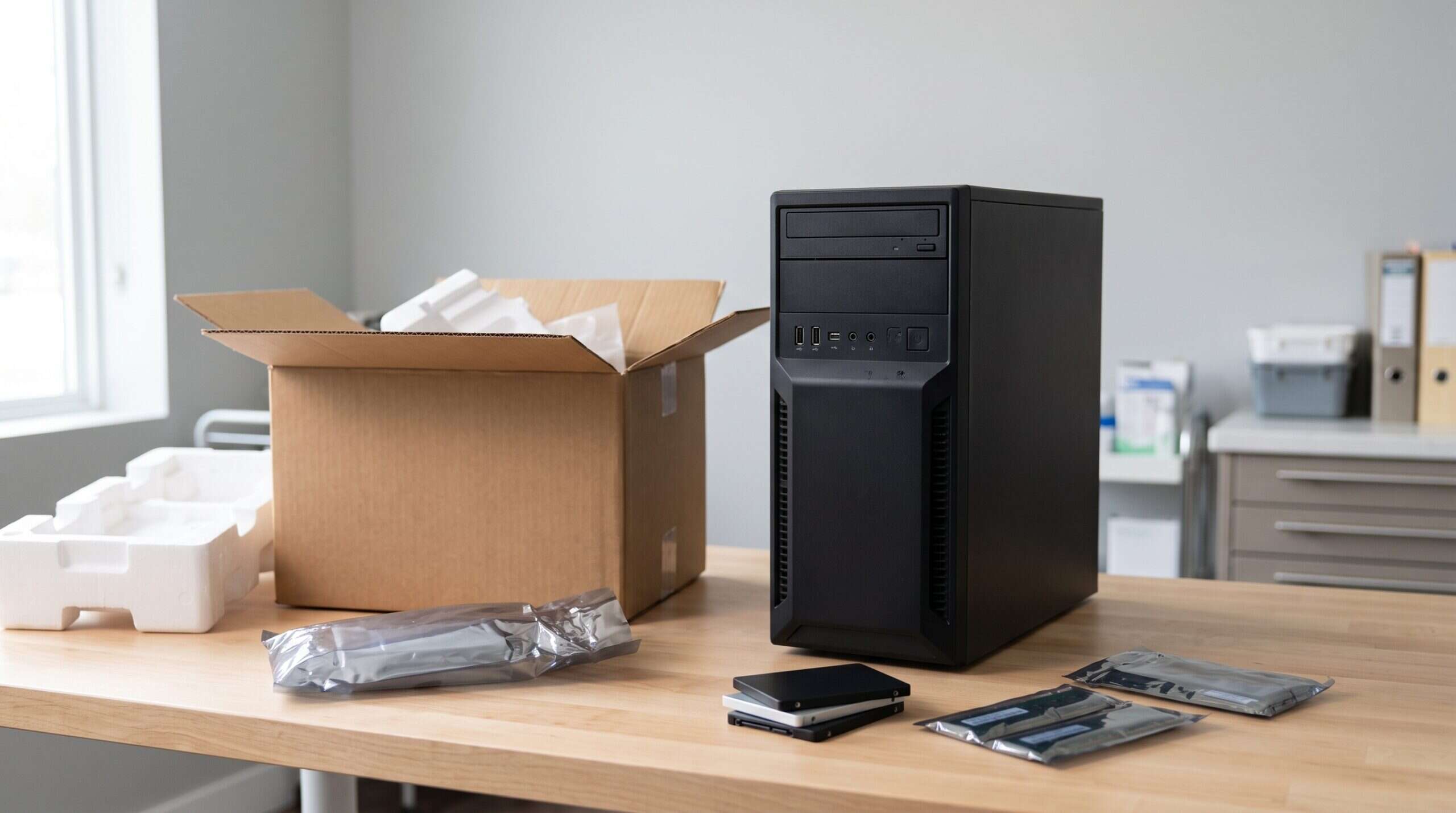
Current Dentrix server requirements
From Henry Schein One’s Dentrix System Requirements 2026:- Operating system: Windows Server 2016, 2019, 2022 or 2025, 64-bit. Standard and Datacenter editions of North American Windows are supported. Server Essentials and Small Business editions are not supported because of port conflicts with backups. “Server Core” installs are not supported.
- Memory: 16 GB, with more possibly needed for over 10 workstations.
- Processor: 4 or more cores at 2.4 GHz (the document gives 9th-gen Intel Core i7 9700 or AMD Ryzen 2700 as the baseline).
- Storage: 60 GB free on SSD or NVMe for the install, plus space for your data. Henry Schein One recommends more than 10 percent free space on all drives.
- Network: 1 Gbps.
Workstation requirements
- Operating system: Windows 10 or 11, 64-bit. Henry Schein One says it will no longer support installing Dentrix on Windows 10 after June 30, 2026.
- Memory: 8 GB minimum, 16 GB recommended.
- Processor: 4 or more cores at 2.4 GHz.
- Storage: 20 GB free on SSD or NVMe.
- Network: 1 Gbps. Wireless is “at your own risk” because of interference from X-ray machines and other devices.
So can Windows 10 or 11 be the Dentrix server?
The older Dentrix G7 requirements said client versions of Windows could be used as the database server, but warned that operating system connection limits should be checked so every workstation can connect during normal use. Desktop editions of Windows limit how many other computers can connect to them at once, which is one reason this setup struggles as an office grows. The 2026 requirements list only Windows Server editions in the server column. In practice that means:- If you are buying a new server, buy one that runs a supported Windows Server version.
- If your office currently runs Dentrix on a Windows 10 PC acting as the server, that PC’s operating system is out of Microsoft support and should be replaced soon.
- If you run a Windows 11 PC as the server, check with Henry Schein One whether your Dentrix version supports that setup, and plan for a proper server at your next replacement.
Other points from the requirements
- Thin clients: Terminal Services and Citrix setups are not supported.
- Virtual machines: Dentrix has been tested on properly configured Hyper-V and VMware, but Dentrix support does not help with virtualization problems.
- Using the server as a workstation: allowed, but disk, memory and network performance should be checked so other workstations are not slowed down.
- Printers: Henry Schein One recommends PCL5 printer drivers.
Before you buy
Check first: requirements change with each Dentrix release. Confirm the latest version at dentrix.com, and ask your IT provider or Henry Schein One to check your planned hardware against your Dentrix version before you order.
- Find your current Dentrix version and the version you will run on the new server.
- Download the latest system requirements from dentrix.com.
- Size memory and storage for your number of workstations and years of growth.
- Plan the move itself. See how to move Dentrix G7 to a new server.