Dental Server Migration · Buffalo & Rochester

Dentrix server migration and Eaglesoft moves, done over a weekend.

A Dentrix server migration, or a move of Eaglesoft or Open Dental to a new server, is one of the riskiest jobs in a dental office. We plan it, build the new server ahead of time, move the data after hours with your software vendor, and keep the old server ready as a rollback. Practices in Buffalo and Rochester open Monday on new hardware without losing a day.

Assessment Before Anything Is Bought

We document what the old server actually does.

Cutover After Hours

No downtime during the schedule.

A Written Rollback Plan

The old server stays ready until the new one proves itself.

When To Migrate

Signs your dental server is due for replacement.

The best time to replace a server is before it fails, when you can pick the date. These are the signs we look for:

The operating system is reaching end of support

Once Microsoft stops releasing security updates for a Windows version, a server holding patient records becomes a HIPAA risk.

Your practice software's next version will not run on it

Dentrix, Eaglesoft and Open Dental all raise their requirements over time, and an upgrade can force a hardware change.

The warranty has expired

Without it, a failed part can mean days waiting for a replacement.

Drive warnings or failed drives

In the storage array, even if the server is still running on the remaining drives.

It is running out of space

Usually because of images and scanned documents.

Everything is slower than it used to be

Across every workstation, at the same times of day.

It is a desktop PC doing a server's job

With no redundancy if its single drive fails.

If two or more of these apply, it is worth planning a move now. A migration done on your schedule costs far less, in money and in stress, than an emergency rebuild after the server dies on a Monday morning.

Step 1

Assessment: find out what the old server really does.

The practice software is rarely the only thing on a dental server. Over the years it picks up imaging databases, shared folders, a printer queue, a fax program, a label printer, a scanner destination, maybe a backup agent nobody remembers installing. Miss one and someone finds out on Monday morning.
Before we quote hardware, we go through the existing server and write down:

The practice management software and exact version: Dentrix, Eaglesoft, Open Dental or another.

Imaging software, its database and where images are stored.

Every shared folder and mapped drive, and which workstations use them.

Other services: printing, scanning, faxing, remote access, backups.

How much data there is and how fast it is growing.

What the software vendor requires for the version you will run after the move.

This list becomes the migration checklist and the test plan.

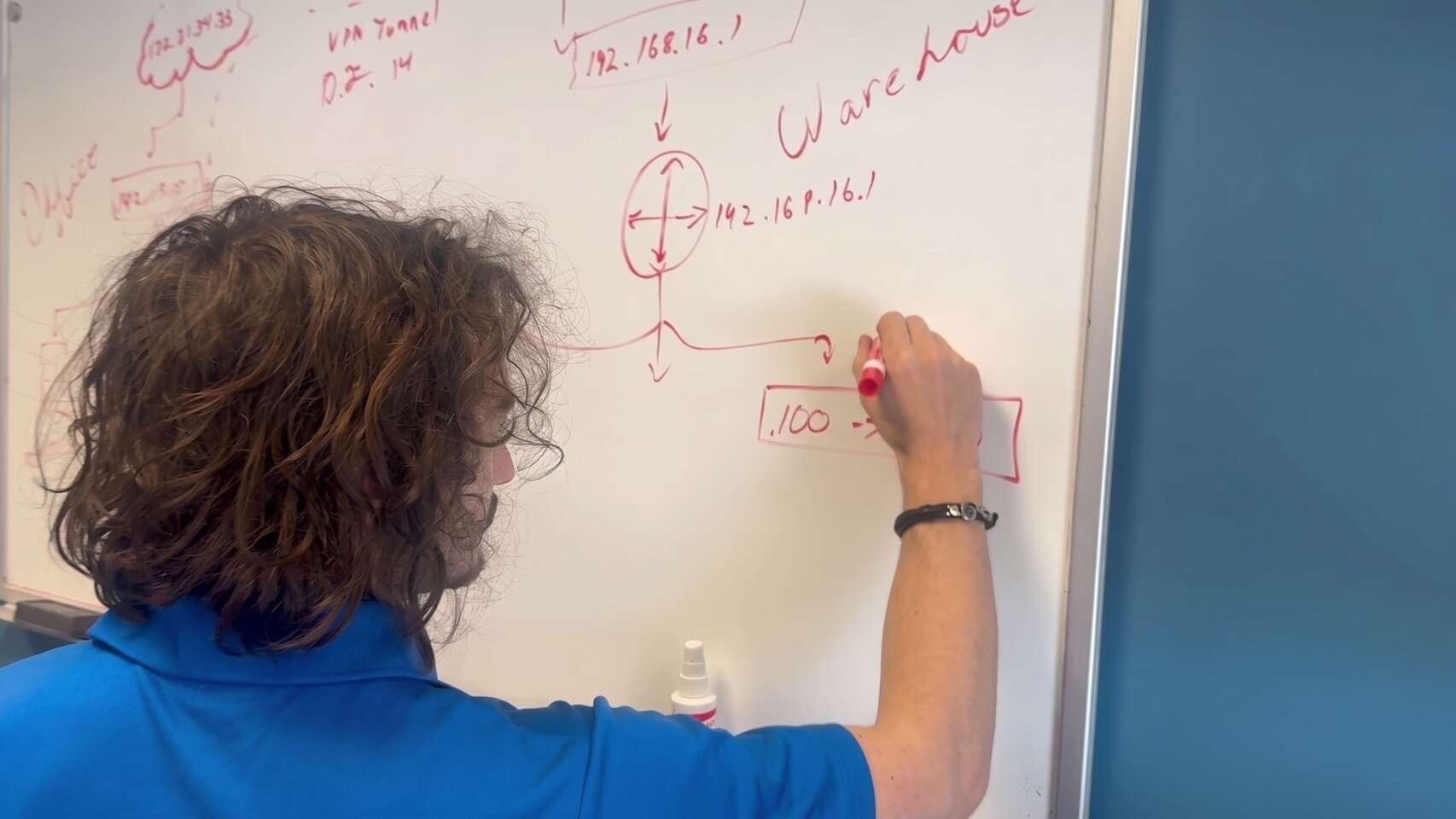
Buffalo IT Services engineer mapping a multi-site network and VPN tunnel on a whiteboard
Buffalo IT Services technician installing memory and inspecting the CPU cooler in a desktop PC
Step 2

New hardware, built and burned in early.

We specify the new server against the current requirements from Henry Schein One, Patterson or Open Dental for the version you will run, plus room for growth. As a Dell and HP partner, we source business-class hardware with proper warranties. Our hardware page has more on how we choose equipment.

The server is built and running for days before the move, not unboxed on the night. That gives drive or memory faults time to show up while the old server is still in charge. Before cutover, the new server has:

A supported Windows Server version, fully patched.

Redundant solid-state storage and a battery backup that can shut it down cleanly.

A fixed IP address, the right name settings and firewall rules.

Backups configured and tested on the new hardware, before any patient data lands on it.

Monitoring in place so we hear about problems before you do.

Steps 3 & 4

Data migration and testing, with the vendor in the loop.

Moving a practice database is not a file copy. Each vendor has its own process for moving the database to a new server, and some prefer to do that step themselves or be on the call while it happens. We book that time with Henry Schein One, Patterson or Open Dental well ahead, and we handle everything around it: images, documents, shared folders, imaging software and all the other services on the checklist.

Where possible we do a trial run first. We restore a copy of the data onto the new server, connect one test workstation, and check it the way staff would use it. That catches permission problems, missing folders and imaging paths before the real night.

Our test plan for each workstation covers:

01

Open the practice software and pull up a recent patient.

02

Check the schedule, chart, ledger and a printed document.

03

Click through to imaging and confirm existing X-rays open.

04

Take a test capture where there is a sensor.

05

Scan a document and print a claim or statement.

Step 5

Cutover after hours, so Monday is boring.

The real move happens when the office is closed, usually starting on a Friday evening or Saturday. The order matters:

01

Everyone logs out. We confirm nobody is connected to the old server.

02

We take a final full backup of the old server and confirm it completed.

03

The database is moved to the new server using the vendor’s process, followed by images, documents and shared folders.

04

Every workstation is pointed at the new server: software settings, mapped drives, imaging paths, scanners and printers.

05

We run the test plan on every workstation, not a sample.

06

The old server is shut down but left untouched.

On the first morning, we check in with the front desk early, either onsite or remotely, so any small issue is fixed before the first patient sits down.

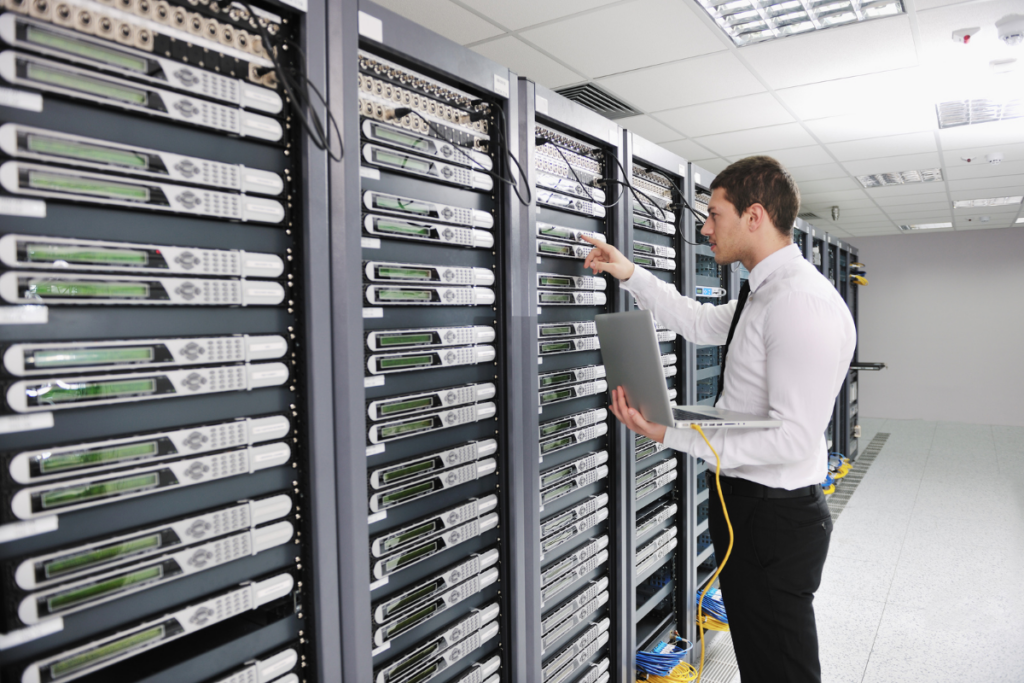
IT engineer working with a laptop beside rows of rack-mounted servers
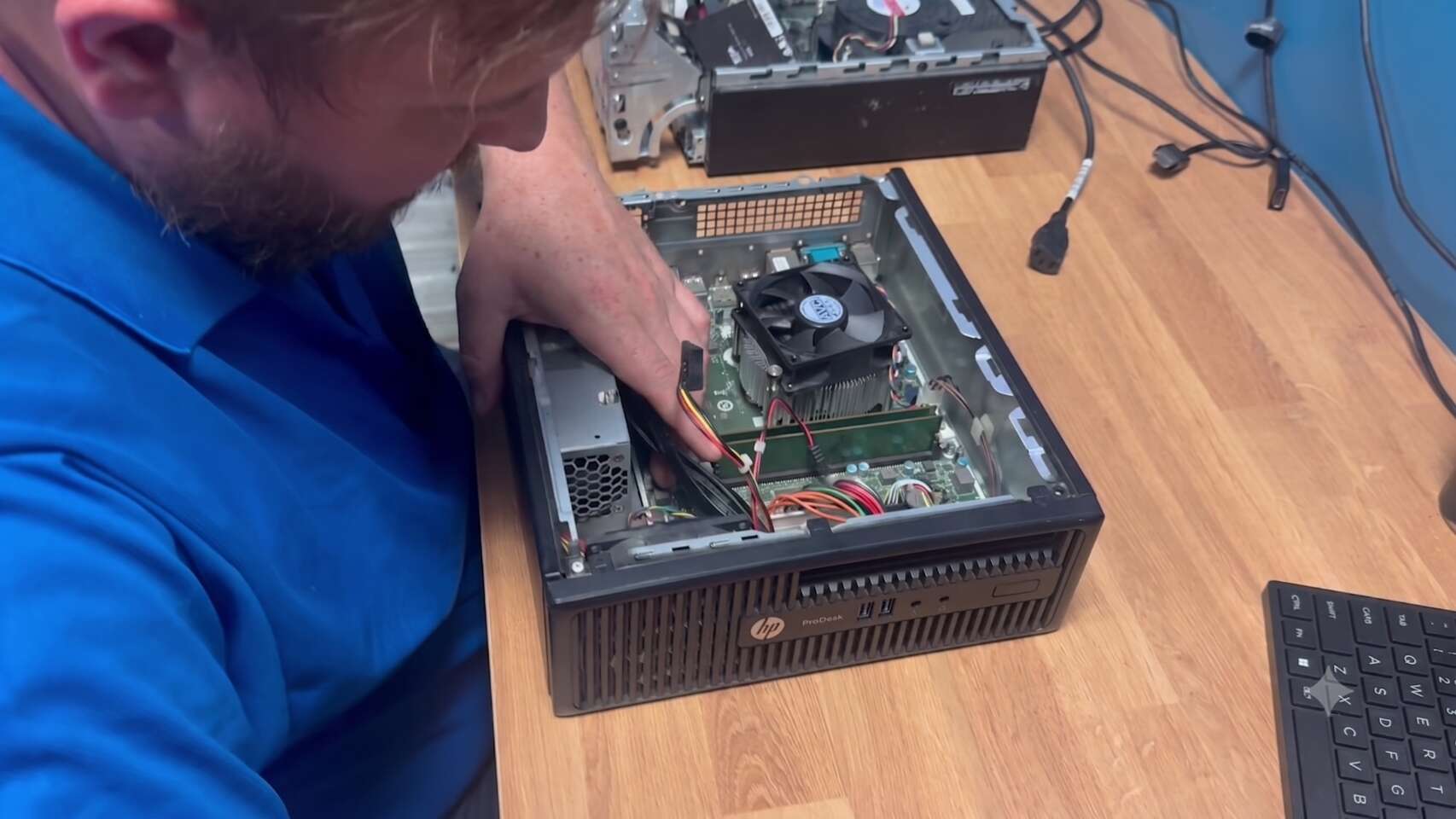
Buffalo IT Services technician performing hardware repair inside an HP ProDesk desktop
Step 6

A rollback plan you hopefully never use.

Every migration we run has a written rollback plan. If the new server fails testing and the problem cannot be fixed that night, we switch the workstations back to the old server, which has not been changed, and the practice opens as normal. We then fix the problem and reschedule.

For that to work, the old server stays in place and powered off, with its data intact, for an agreed period after the move. Only once the new server has run cleanly, backups have completed and a test restore has worked do we wipe and dispose of the old drives securely, with a record you can keep for HIPAA purposes.

Server migrations are part of our dental IT support. For software-specific detail, see our Dentrix IT support and Eaglesoft IT support pages.

Common Questions

Dental server migration FAQ.

The cutover happens after hours, usually over a weekend, so the practice should not lose scheduled time. The first morning, we check in early to fix anything small before patients arrive.

Usually, yes. Each vendor has its own process for moving the database, and some handle that step themselves. We book their time in advance and handle everything else around it.

It depends on hardware lead times and vendor scheduling. We start with an assessment of your current server, then agree a date once the new hardware is built and tested.

We follow the written rollback plan: workstations are pointed back at the old server, which has not been changed, and the practice opens as normal while we fix the problem.

It stays powered off with its data intact until the new server has proven itself. After that, the drives are securely wiped or destroyed and documented.

Ready to see what we can do for your business?

Schedule a free remote or on-site IT consult. Tell us about your business and the services you need – response times are typically under three hours.