

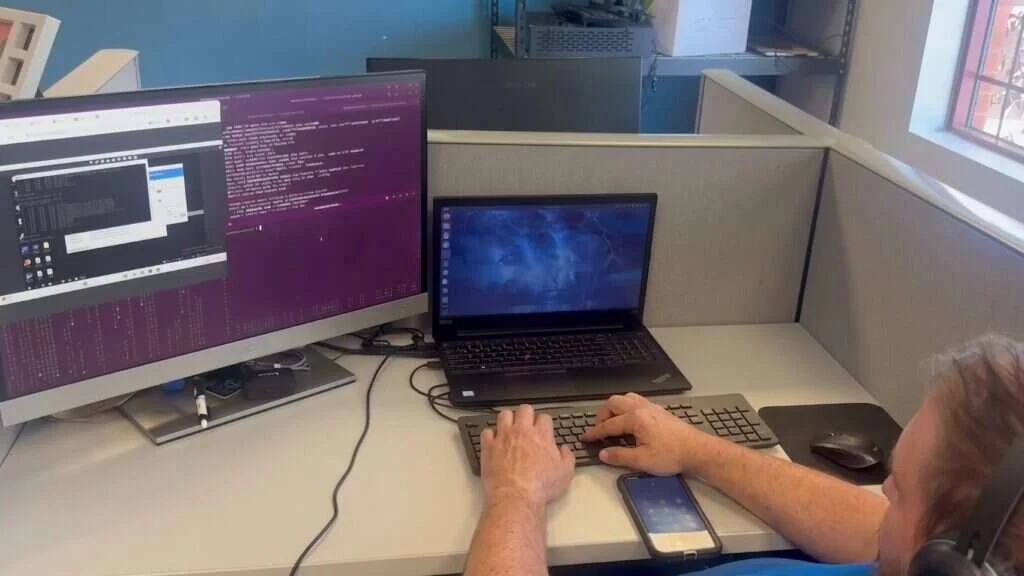
DSOs & Multi-Site Groups
We standardize every office, monitor them centrally, connect them securely, and bring new locations on board quickly. Based in Buffalo, supporting dental groups with offices anywhere in the country.
Built for Groups
Whether you have five offices or fifty, every site runs on the same standard, reports to the same monitoring, and gets supported the same way.
Same hardware, settings, and security everywhere.
One view of every server, firewall, and backup.
Secure links between offices and headquarters.
A repeatable plan for every acquisition or de novo.
Security & Compliance
A group is only as secure as its least-protected office. Attackers don't care which location they get into first, and if offices are connected, one compromised front desk computer can become a problem for the whole group.
HIPAA risk analysis, business associate agreements, training records, and incident response plans, kept consistent for every location. When an auditor, insurer, or prospective buyer asks, the answer doesn't depend on which office manager picks up the phone.
See our dental cybersecurity controls| Control | Office 1 | Office 2 | Office 3 | Office 4 | HQ |
|---|---|---|---|---|---|
| Multi-factor authenticationEmail, remote access, and every system with patient data | |||||
| Endpoint protection & patchingEvery workstation and server, reporting to one console | |||||
| Firewalls from one templateRemote access closed to the internet | |||||
| Protected offsite backupsCan't be deleted from the office network, with test restores | |||||
| One account processLeavers lose access everywhere the same day | |||||
| Security awareness trainingFor staff at every location |
Most dental groups grow by acquisition, and each practice arrives with its own IT history: a different server, a different firewall, a local IT person who set things up their own way, and backups that may or may not work. Within a few years the group is running a dozen different setups, and every support call starts with “how is this one configured?”
That costs more than it looks. Problems take longer to fix, security is only as strong as the weakest office, and nobody at head office can say for sure which locations are backed up or patched.
Buffalo IT Services supports more than 300 locations across the United States, and the approach below is how we keep a large estate manageable.
Standard Builds
We agree on a standard with your leadership team and apply it to every location.
Approved server, workstation, firewall, switch, and access point models, so spares are interchangeable and staff moving between offices find the same equipment.
The same Windows version, security settings, practice and imaging software versions, and printer setup at every site.
The same layout of practice, imaging, phone, and guest networks, with the same naming and addressing scheme.
Endpoint protection, multi-factor authentication, patching schedules, and admin access handled the same way everywhere.
One format for every office, so any technician can pick up any location.
When every office runs the same equipment, you can plan replacements across the group instead of reacting to failures one office at a time.
Each office follows our dental IT support model, including the practice software your offices run.
Every server, firewall, workstation and backup job reports into our central monitoring. When a server’s disk is filling up in one office or a backup has failed in another, we see it and act on it, usually before the office notices.
For leadership, we report on what matters across the group: which locations are fully patched, which backups have been test-restored, which hardware is due for replacement, and which security issues are open. That gives operations and compliance staff a straight answer when an auditor, insurer or acquirer asks.
Office managers get something useful too: one number to call and one ticketing system for every location, so a problem at a satellite office is logged, tracked and fixed the same way as one at the main practice. Recurring issues across several offices show up in the data, which tells us where a standard needs changing rather than fixing the same thing site by site.
Networking
We connect locations with encrypted site-to-site links between firewalls. Just as important, we design for the opposite: offices that shouldn't reach each other, don't.
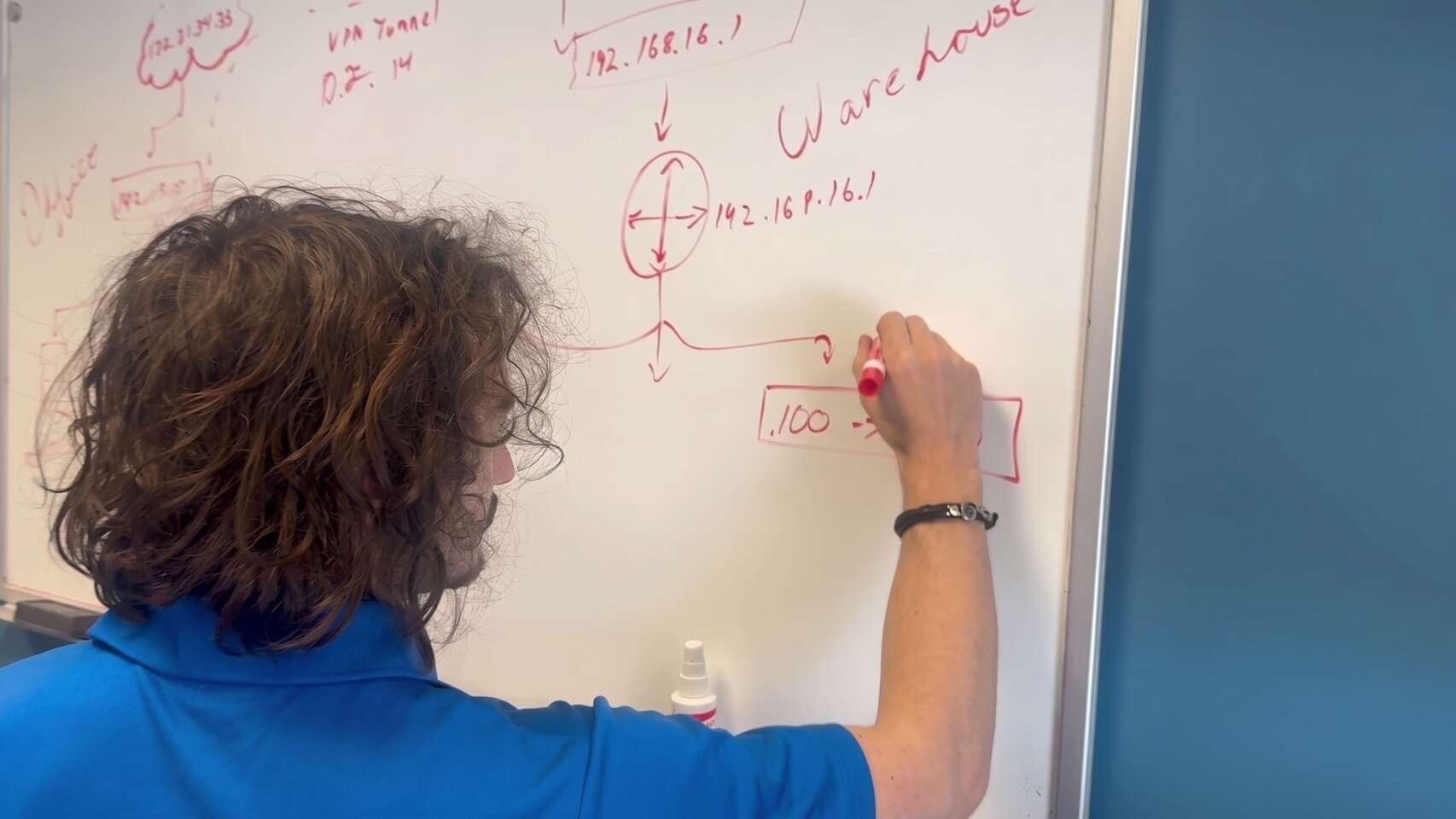
Connect
Where an office depends on that link to see patients, we add a second internet connection so one provider outage doesn't close the office.
Isolate
Limiting traffic between sites means a problem in one location stays in that location, instead of spreading across the group.
Links monitored and patched through network managementOnboarding
Whether it's an acquisition or a new build, each new office goes through the same five-step plan.
We document the existing IT, check backups and security, and flag anything urgent.
Fix urgent risks first: working backups, multi-factor authentication, remote access closed to the internet.
What can stay, what needs replacing, and when, worked around the office's schedule.
New firewall, network, workstations and, where needed, a dental server migration, done after hours.
The office joins central monitoring, documentation, and normal support.
Common Questions
Quick answers to what DSOs and dental groups ask us most about coverage, onboarding, and reporting.
Talk about your group
Tell us where your offices are and how you're growing. We'll walk you through how we'd support them.
(716) 463-5111Yes. We support locations across the United States, with remote support from our Buffalo office and onsite work arranged as needed. Call us to talk about where your offices are.
No, though it helps. We support mixed groups and can plan a gradual move to one system if that's your goal.
Urgent risks such as backups and remote access are addressed first. The full move to your standard is then planned around the office's schedule and hardware lead times.
Yes. Many groups keep an internal IT lead and use us for monitoring, after-hours coverage, projects, and onsite work. See our co-managed IT page.
Patch and backup status per location, test restore results, hardware due for replacement, and open security issues, in a format that works for operations and compliance.
Schedule a free remote or on-site IT consult. Tell us about your business and the services you need – response times are typically under three hours.