
Medical Practice IT · Buffalo & Rochester

Managed IT services for medical practices that cannot afford downtime.

EHR support, HIPAA safeguards, backups, security, and the devices in every exam room, for medical practices in Buffalo and Rochester. We keep the technology running so providers stay on schedule and your practice can show its compliance work when asked.

  • Works alongside your EHR vendor
  • HIPAA safeguards documented
  • Backups test-restored

What We Look After

Technology that keeps providers on schedule.

We manage the IT your practice runs on, from the EHR's infrastructure to the devices in every exam room, so your team can focus on patients.

01

EHR Support Alongside Your Vendor

We handle the IT. Your EHR vendor handles the software.

02

HIPAA Safeguards Documented

Controls in place, and records to prove it.

03

Tested Backups

Onsite and offsite, with restores you've actually seen work.

04

Exam Room and Front Desk Devices

Computers, tablets, scanners, and printers that work.

Downtime Planning

What happens when the internet or the EHR goes down?

Every medical office will eventually have a morning when the EHR won't load. Sometimes it's the vendor's outage, sometimes the office internet, sometimes a local server or network problem. What matters is whether the practice has a plan.

HIPAA expects a contingency plan covering emergency operations and data recovery. These pieces answer that requirement and, more importantly, keep patients moving on a bad day.

Your downtime playbook

Planned before it happens.

  1. 02

    A downtime schedule

    Many EHRs can export the next day's schedule. We make sure it runs and lands somewhere staff can reach without the EHR.

  2. 03

    Battery backup

    On the firewall, switches, and server, so a short power blip doesn't take the network down.

  3. 04

    Clear first steps for staff

    Who to call, what to check, and when to switch to paper.

  4. 05

    A recovery plan

    For server-based systems, with tested backups and a realistic idea of how long a restore takes.

EHR Support

EHR support, split the right way.

Your EHR vendor supports the EHR software. Everything providers need to reach it, including the computers, network, internet, printers, scanners, logins, and security, is usually up to the practice. That's the part we manage.

How that looks depends on your EHR:

Cloud-based EHRs

Run in a browser or a thin client, so the practice depends on fast, reliable internet, a firewall, current browsers, and secure logins.

We often add a second internet connection so one provider outage doesn't stop the schedule.

Server-based EHRs

Run on a server in your office. We build and maintain that server to the vendor's requirements.

Backed up properly, with updates planned after hours.

Integrations

Lab interfaces, e-prescribing, patient portals, and clearinghouses often depend on local configuration that breaks after updates.

We know where to look when something stops connecting.

Practice manager reviewing documentation alongside a laptop

No more waiting on hold. When an issue really is in the EHR software, we open the ticket with your vendor and see it through.
HIPAA

HIPAA safeguards, with the paperwork to match.

The HIPAA Security Rule asks medical practices to protect electronic patient information with administrative, physical, and technical safeguards, based on a documented risk analysis. We put the technical safeguards in place and keep records of them.

When an auditor, insurer, or patient complaint comes along…

Your practice has answers ready. If you haven't had an independent review yet, start here:

PCI and HIPAA compliance auditing
  • Risk analysis kept up to date

    Reviewed regularly, not written once and filed away.

    Administrative Documented
  • Unique logins and access control

    Every user has their own login, screens lock automatically, and access is removed promptly when staff leave.

    Technical Documented
  • Encryption

    On laptops, portable drives, and email that carries patient information.

    Technical Documented
  • Audit logs

    On systems that hold patient data.

    Technical Documented
  • Business associate agreements

    With vendors who handle patient data, including your IT provider.

    Administrative Documented
  • Security awareness training

    Regular, short training for every staff member.

    Administrative Documented
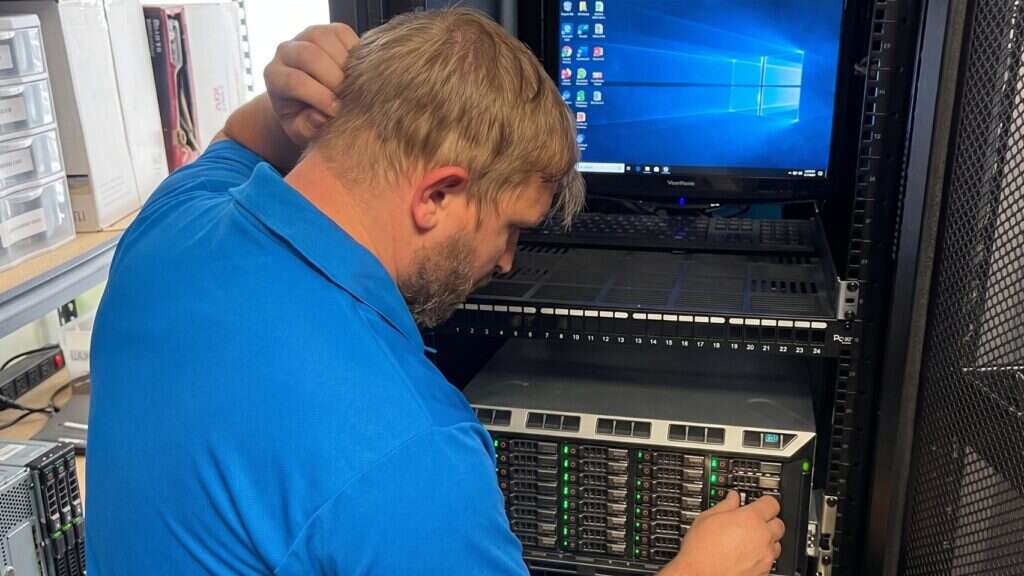
Buffalo IT Services technician servicing a rack-mounted server and patch panel
Backups

Backups for every system that holds patient data.

Even practices on a cloud EHR keep patient information locally: scanned documents, exported reports, imaging from in-office equipment, spreadsheets and email. HIPAA expects a data backup plan and a disaster recovery plan for all of it.

Our healthcare data backups service covers server and workstation data with an onsite copy for fast restores, an encrypted offsite copy that ransomware on the office network cannot reach, failure alerts and scheduled test restores. For cloud systems, we check what the vendor backs up and what it does not, and fill the gaps.

Security

Security built for a clinical workflow.

Security in a medical office has to work for people who log in dozens of times a day between patients. Controls that slow providers down get worked around.

We aim for protection your staff barely notice, layered so no single failure exposes patient data.

Our cybersecurity services page explains the full layered approach.

Staff training

Short, regular training on phishing and social engineering.

Email filtering & MFA

On email, remote access, and the EHR where it supports it.

Business firewall

Separate networks for computers, medical devices, phones, and guests.

Secure remote access

No remote desktop open to the internet.

Endpoint protection

Managed and patched on every device.

Patient data
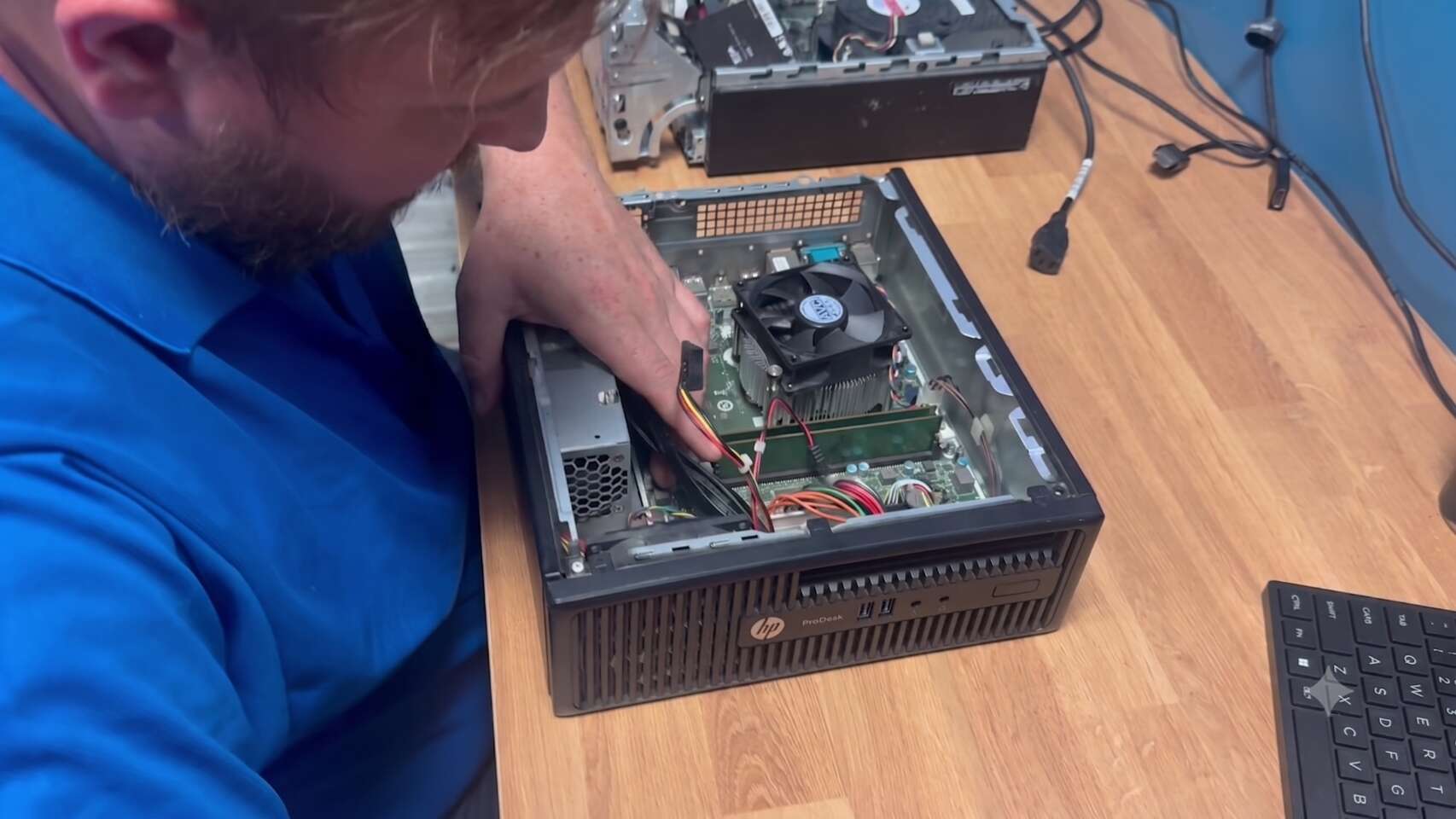
Buffalo IT Services technician installing memory and inspecting the CPU cooler in a desktop PC

Common tickets

  • Exam room computer won't log in
  • Label printer prints blank
  • Card scanner stopped after an update
  • Tablet won't join Wi-Fi

Devices

Exam rooms, front desk and everything in between.

Most day-to-day tickets in a medical office are about devices. We support every one of them:

Practice computers

Exam room, nurse station, and front desk, built to one standard so they behave the same.

Laptops & tablets

For providers, encrypted and managed.

Printers & scanners

Label, receipt, and document printers, scanners, and signature pads.

Medical device connections

Devices that send data to the EHR, kept on their own network segment.

Fax

Whether a traditional line or a secure electronic fax service.

Medical practice IT is part of our managed IT services. For practices with an internal IT person, see co-managed IT.

Common Questions

Medical practice IT FAQ.

Quick answers to what medical practices ask us most about EHR support, HIPAA, backups, and remote work.

Talk to us about your practice

We support medical offices across Buffalo and Rochester, remotely and onsite.

(716) 463-5111

We support the IT your EHR runs on: computers, network, internet, servers, printers, scanners, and security. Your EHR vendor supports the software itself, and we work with them when an issue involves both.

Yes. Any IT provider with access to systems holding patient information should sign a BAA with your practice.

Usually, yes. Scanned documents, local imaging, email, and files on office computers aren't covered by your EHR vendor. We check what is and isn't backed up and fill the gaps.

Yes. We set up secure remote access with multi-factor authentication and encrypted, managed devices, without opening remote desktop to the internet.

We support practices across Buffalo and Rochester, with remote support and onsite visits. Call (716) 463-5111 to talk about your office.

Ready to see what we can do for your business?

Schedule a free remote or on-site IT consult. Tell us about your business and the services you need – response times are typically under three hours.