Dental Phone Systems · Buffalo, Rochester & Syracuse

VoIP for dental offices, managed by the team that runs your network.

Phone systems set up around your front desk, connected to the network we already manage, and supported by the same people. When a call drops or a phone stops ringing, there's one number to call, not a phone company blaming your IT and your IT blaming the phone company.

  • Phones & network, one provider
  • Keep your current numbers
  • HIPAA-aware setup

One Provider

Why phones and IT belong with the same team.

A VoIP phone is a small computer on your network. Its call quality depends on your internet connection, your firewall, your switches, and how traffic is prioritized. When the phone system and the network are run by different companies, every choppy call turns into an argument about whose fault it is, while patients wait on hold.

We manage VoIP phone systems for dental offices as part of the same network we already look after. That means we can see both sides, whether the problem is the phone, the network, the internet connection, or the carrier, and fix it or escalate it with evidence.

We handle

Phone system setup and changes, call routing, desk phones, network and firewall configuration for voice, and day-to-day support.

We coordinate

Number porting, carrier issues, and integration with your practice management software.

Phones are one part of our wider dental IT support
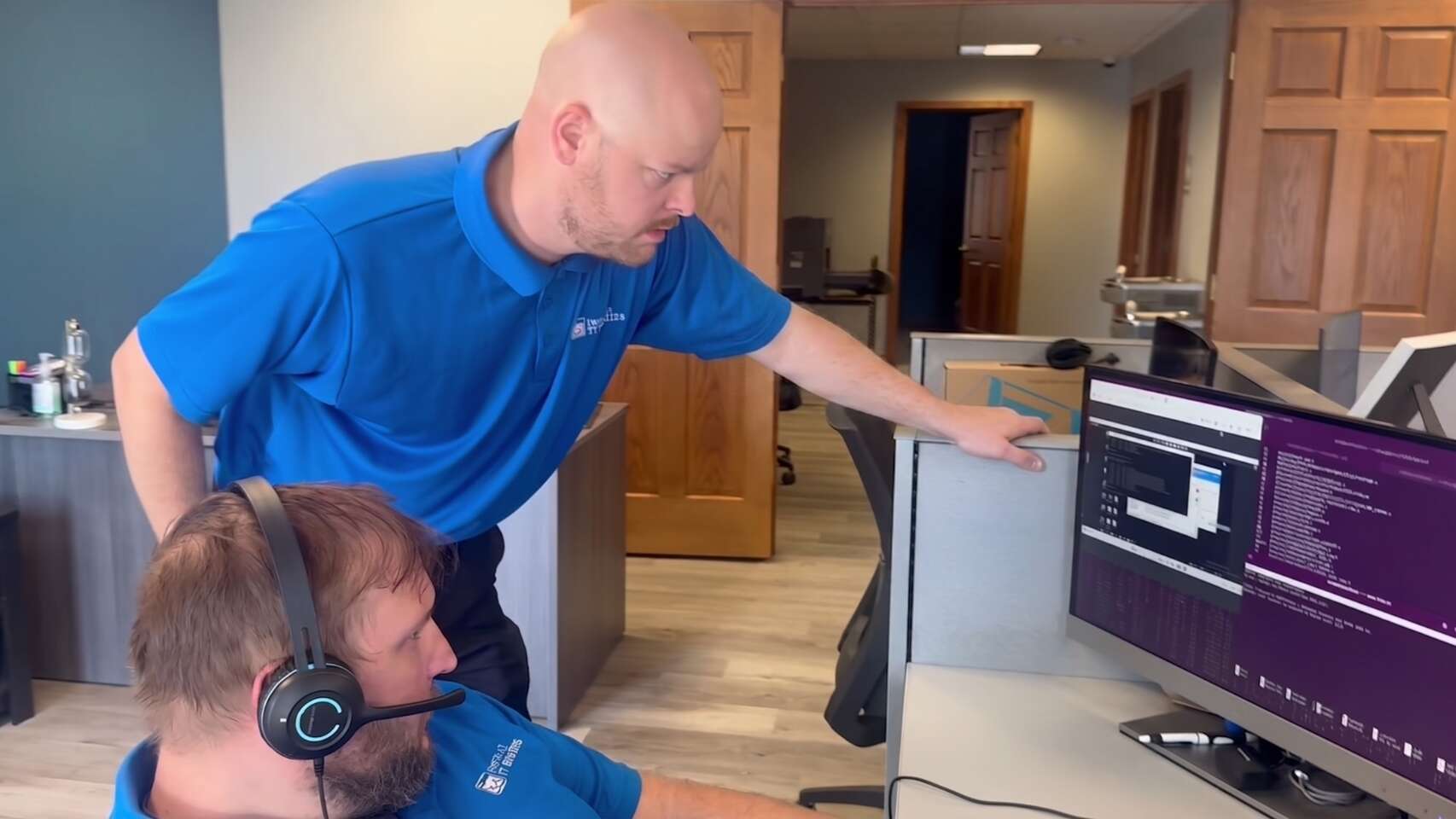
Buffalo IT Services technicians troubleshooting a dental office phone and network issue
One team, one number Phones and network, supported together

Call Routing

Call routing that matches how your front desk works.

Missed calls are missed appointments. Before we configure anything, we sit down with your office manager and map exactly how calls should flow.

Once it is live, changes like a new hire's extension or a holiday closure are a quick request to our help desk.

Ring groups

Choose which phones ring for new patients, existing patients, billing, and the lab.

Overflow

When every front desk line is busy, calls roll to another phone or a queue instead of a busy signal.

Schedules

Separate routing for office hours, lunch, after hours, and holidays, changed with a click instead of a service call.

Auto attendant

A short menu where it helps, like "press 1 for appointments," without trapping patients in a phone tree.

After-hours emergencies

A clear path for urgent dental problems, such as forwarding to an on-call phone or an emergency voicemail.

Multiple locations

Transfers between offices and shared reception for groups that need it.

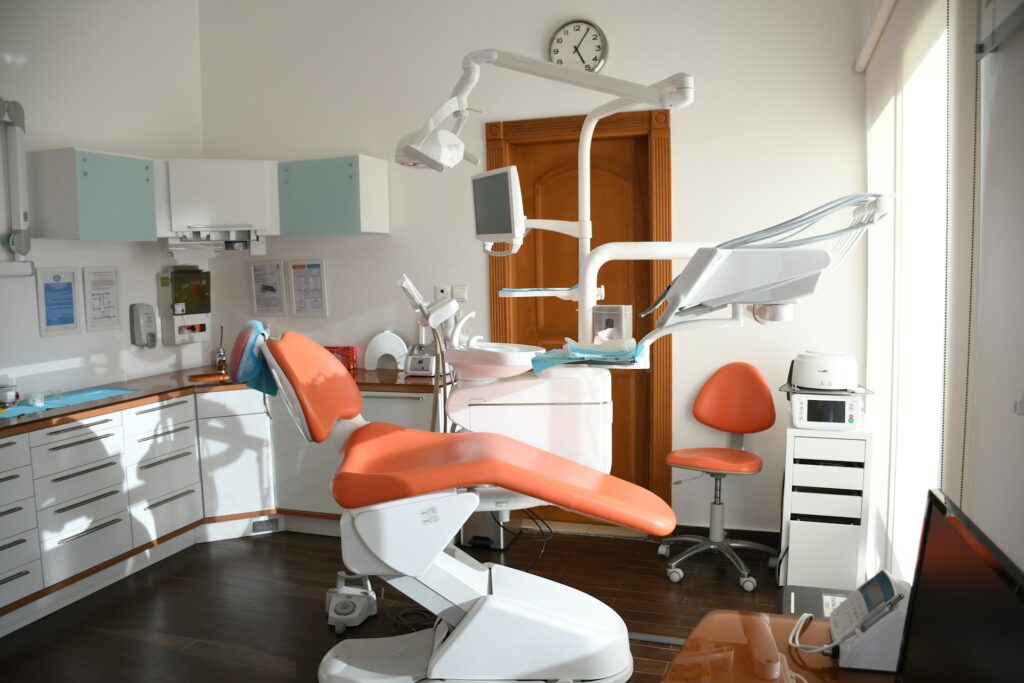
Modern dental operatory with patient chair, delivery unit and treatment cabinetry
Integration

Integration with your practice software.

The most useful phone feature in a dental office is knowing who is calling before you pick up. Many VoIP platforms can connect to practice management software such as Dentrix, Eaglesoft or Open Dental to show the caller’s name and patient record on screen, and to let staff dial a patient by clicking their number.

What is possible depends on the phone platform, the practice software and its version. We check that combination before recommending anything, set the integration up on each front desk workstation, and test it after every update to either system, because integrations are often the first thing to break.

[[VERIFY: which practice-software integrations the VoIP platform(s) we manage actually support]]

Call Recording

Call recording, treated as patient data.

Call recording helps with training, resolving billing disputes, and checking how new-patient calls are handled. But a recorded call about an appointment or treatment plan contains protected health information, so it needs the same care as anything else covered by HIPAA.

Voicemail deserves the same thought.

Voicemails delivered to email should go to practice accounts, not personal inboxes. Our dental cybersecurity and HIPAA audit services cover how phone data fits into your risk assessment.

HIPAA safeguards we set up

  • Business associate agreement

    Signed with the phone provider that stores your recordings.

  • Access control

    Only the people who need recordings can play or download them.

  • A retention period

    You decide how long recordings are kept before they are deleted.

  • Notice to callers

    Callers hear that calls may be recorded, and we check the consent rules that apply to you.

Reliability

Reliable calls, and a plan for when the internet drops.

Choppy audio, one-way calls, and dropped calls are almost always network problems, not phone problems. That's why we set your network up for voice from the start.

Because we already monitor your network through our network management service, we usually find the cause of call-quality problems in the data instead of guessing.

  1. Voice prioritized

    Set on the firewall and switches, so a large X-ray upload or backup never breaks up a patient call.

  2. A separate voice network

    Kept apart from practice computers and guest Wi-Fi.

  3. PoE switches on battery backup

    Power over Ethernet on a battery keeps phones working through a short power cut.

  4. Failover for internet outages

    A second internet connection where it makes sense, plus rules that forward calls to mobile phones if the office goes offline.

  5. Emergency 911 addresses

    Registered correctly for each phone, including in multi-location groups.

Switching

Moving to VoIP without losing your numbers.

Patients know your number, and it's printed on every card and sign. Moving phone systems shouldn't change it. Here's our process.

For new offices and relocations, phones are planned with the cabling and network as part of our new dental office IT setup.

  1. 01

    Review

    Your current numbers, lines, fax, alarm or card-terminal lines, and how calls are handled today.

  2. 02

    Network check

    Confirm your internet, firewall, and switches are ready for voice, and fix what isn't.

  3. 03

    Build

    Set up call routing, extensions, voicemail, and integration before the switch.

  4. 04

    Port

    Request the number transfer from your current carrier and schedule the cutover outside clinic hours.

  5. Go live and test

    Inbound and outbound calls on every phone, transfers, voicemail, after-hours routing, and 911 information.

Common Questions

Dental phone system FAQ.

Quick answers to what dental offices ask most before switching their phones to VoIP.

Still have questions?

Talk to the team that will actually set up and support your phones.

(716) 463-5111

Yes, in almost all cases. We request the number transfer from your current carrier and schedule the cutover outside clinic hours.

Desk phones need the internet, so we plan for outages: a second internet connection where it makes sense, and forwarding rules that send calls to mobile phones if the office goes offline.

Many VoIP platforms can integrate with Dentrix, Eaglesoft, or Open Dental to show caller details on screen. It depends on the platform and software version, so we check your combination first.

It can be, with a business associate agreement from the provider that stores recordings, access controls, a set retention period, and caller notice. We set those up as part of the system.

Usually because voice traffic is competing with other traffic on the network or internet connection. Prioritizing voice on the firewall and switches normally fixes it.

Ready to see what we can do for your business?

Schedule a free remote or on-site IT consult. Tell us about your business and the services you need – response times are typically under three hours.