
Buildouts & Relocations · Buffalo & Rochester
IT setup for new dental offices, buildouts, and relocations in Buffalo and Rochester. We plan your network, cabling, Wi-Fi, operatory computers, imaging, phones, and printers with your contractor, so opening day is about patients, not missing network jacks.
What We Deliver
We plan your network, cabling, operatories, and front desk with your contractor and equipment dealer, so nothing gets missed once the walls close.
Network drops, the network closet, and power marked on your plans before the walls close.
02Cat6 or Cat6a runs, tested, labeled, and documented, with business-grade Wi-Fi in every room.
03Computers, imaging, and printers installed and tested before your first patient arrives.
Project Types
Office projects come in three main shapes, and each needs a slightly different plan. Choose yours below.
Nothing exists yet: no server, no accounts, no practice software. We help you choose and order equipment, set up email and accounts, get your practice software installed with your vendor, and build everything to one standard from the start.
What's included
The practice is moving, usually with existing equipment and years of patient data. We plan the move so nothing is lost and no patient days are missed. Anything too old to be worth moving gets replaced as part of the project, not a month later.
The move plan
Adding operatories, a second floor, or a new wing to an existing office. We extend what you already have and make sure your current systems can handle the extra load.
What's included
In every case, it's written down. What will be installed where, who is responsible for each step, and what has to happen before the next trade can start. Contractors appreciate it, and it's the best way to avoid finding a missing network drop the week before opening.
Planning
The most expensive IT problems in a new dental office are the ones built into the walls: a missing network drop behind the reception desk, no power or cooling in the network closet, a pano unit with nowhere to plug in its acquisition PC.
They're cheap to fix on paper and expensive to fix after the drywall is painted. That's why we work from your floor plan with your architect, contractor, and equipment dealer.
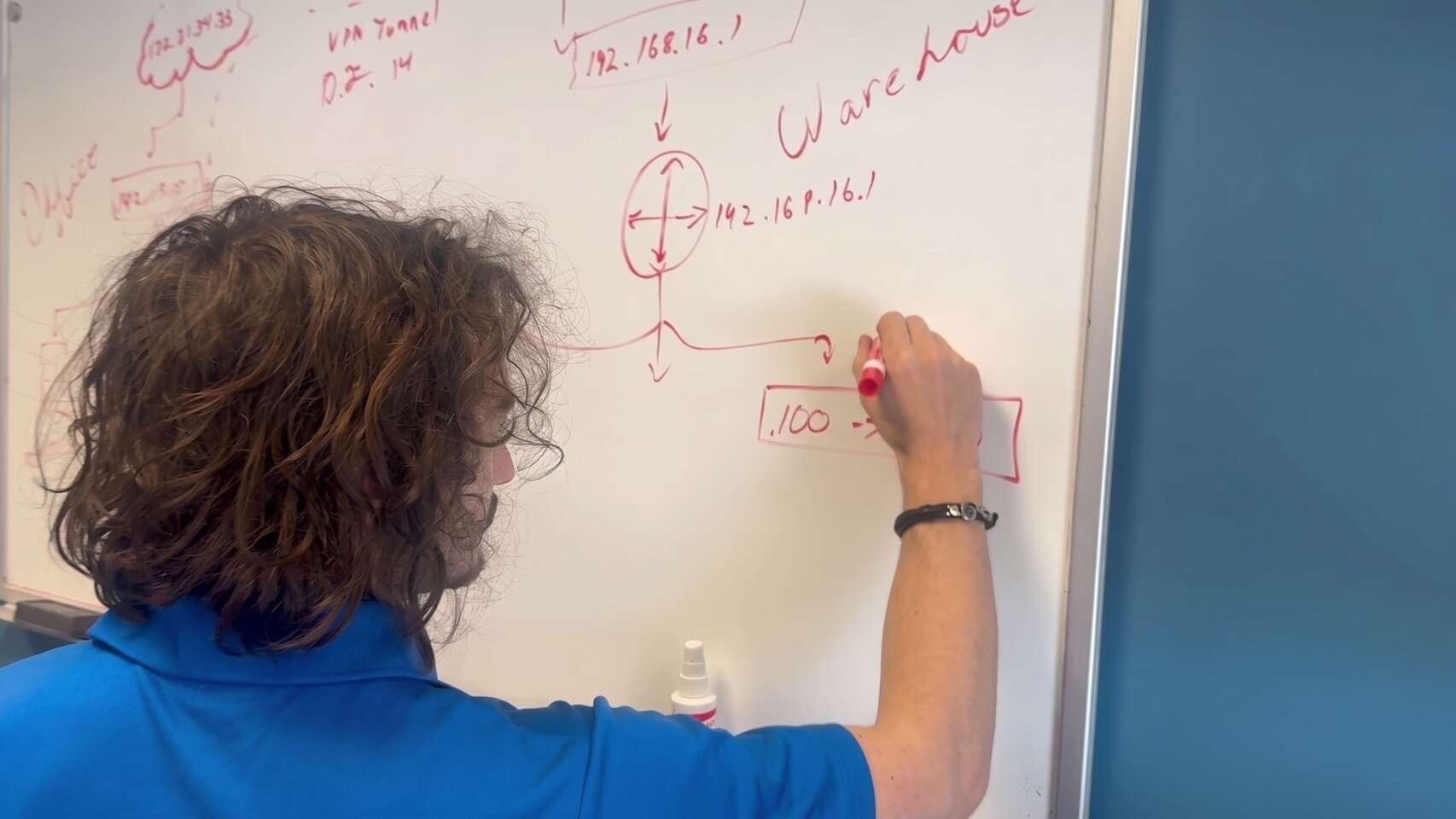
What we mark up on your floor plan
Operatories, front desk, doctor's office, sterilization, lab, break room, and ceiling access points.
Location, ventilation, dedicated power, and space for a rack.
Exactly where each piece of core equipment will sit.
Each location and what it needs: network, power, and a dedicated workstation.
Planned for each operatory, including the patient-facing screen.
Where the provider's line enters the building, and when it needs to be ordered.
It's the step most often left too late. Business lines can take weeks to install, so we flag it at the very start of your project.
Cabling & Network
The cabling goes in once and stays for the life of the office. Our structured cabling page explains how we install and document it.
Once you're open, our network management service keeps it monitored and patched.
Built on top of the cabling
Separates the practice network from the internet, with secure remote access for staff and vendors.
Enough ports for every drop plus growth, with Power over Ethernet for access points and phones.
So a patient's phone never shares a network with your server.
Ceiling access points placed for coverage in every operatory, not one consumer router in a closet.
The foundation everything else runs on.
Every operatory is a small IT installation: a computer, often mounted out of the way, one or two monitors including one the patient can see, a sensor, maybe an intraoral camera, and a keyboard and mouse that can stand up to disinfectant. We plan each one with the doctor and the equipment dealer, then build the computers to the same standard so any operatory works the same way.
Each workstation is set up with your practice management software, imaging software and bridges, sensor and camera drivers, antivirus, backups where needed, and the printers that room uses. For imaging equipment, we make sure the network drop, power and acquisition workstation are ready before the installer arrives. Our dental imaging IT support page covers this in more detail.
If you are moving from an existing office, we also plan how to move the server and data without losing a day. See our dental server migration process.
Phones & Printers
The front desk is where a new office feels it first if something was missed. We plan it as carefully as the operatories.
We set up and manage VoIP phone systems for dental offices, so your phones work on opening day.
Every device installed on the computers that use it.
Connected and tested at checkout.
On its own network, with a password you can change easily.
Checklist
Before your first patient, we go through this list with your office manager, item by item.
After opening, your office moves onto our regular dental IT support.
Live, with the firewall in place and a backup connection if you have one.
Every drop tested and labeled, and the patch panel matches the documentation.
Covers every room, with the practice and guest networks kept separate.
Running, monitored, and backing up, and a test restore has worked.
Every one logs in, opens the practice software, and pulls up a test patient.
Captures in every operatory, and images file to the right patient.
Printers, scanners, signature pads, and payment terminals work from the computers that use them.
Ring at the right desks, and voicemail works.
Everyone has their login, with multi-factor authentication set up where it's used.
You have a copy of the network documentation and know who to call.
Common Questions
Quick answers to what practices ask most when planning a new build, relocation, or expansion.
Planning a new office?
The earlier we see your floor plan, the fewer surprises on opening day.
(716) 463-5111As soon as you have a floor plan, and before the walls are closed. Network drops, closet power and cooling, and equipment locations are cheap to change on paper and expensive afterward.
It depends on the equipment in the room. A computer, a phone, and any networked imaging device each need a connection, and we add spares for future equipment. We plan it room by room.
Yes. We coordinate with your architect, general contractor, electrician, and dental equipment dealer, so cabling, power, and equipment installs happen in the right order.
It depends on your practice software. Server-based systems such as Dentrix G-series, Eaglesoft, and Open Dental need one. Cloud-based systems don't, but you still need a reliable network, firewall, and backups for local files.
Yes. We plan the move of the server, workstations, and data so the old office can close on a Friday and the new one opens on Monday.
Schedule a free remote or on-site IT consult. Tell us about your business and the services you need – response times are typically under three hours.